Video & Creator Tools

Compare video and creator tools for thumbnails, YouTube workflows, product demos, editing and repurposing, with research-based reviews and practical guides.

Video & Creator Tools for a Repeatable Publishing Workflow

Creator software can support topic research, scripting, thumbnails, recording, editing, publishing, repurposing and analytics. The best stack depends on the format you publish and which stage consistently slows you down.

A thumbnail tool may be valuable for a YouTube channel but irrelevant to a text-first publisher. A full video editor may be necessary for long tutorials but excessive for short product demos. Choose software around the content format, publishing frequency and amount of manual work you actually want to remove.

Thumbnails and visual packaging

Thumbnail and creative tools should help you produce clear, platform-appropriate visuals without turning every image into the same template. Check export sizes, editing control, brand consistency and whether AI-generated elements can be revised easily.

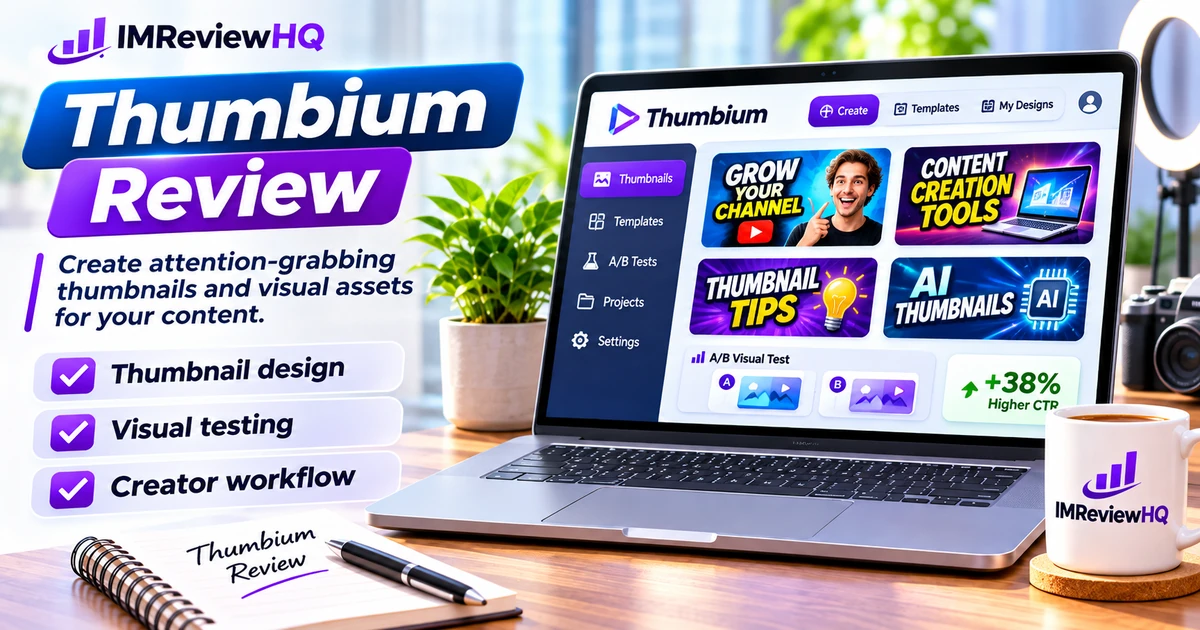
Our Thumbium review examines an AI thumbnail product, its pricing, allowances, alternatives and buyer fit.
Production and channel workflow

A complete creator workflow can include topic research, scripting, screen recording, audio cleanup, editing, captions, publishing and analytics. You rarely need the most expensive tool in every category.

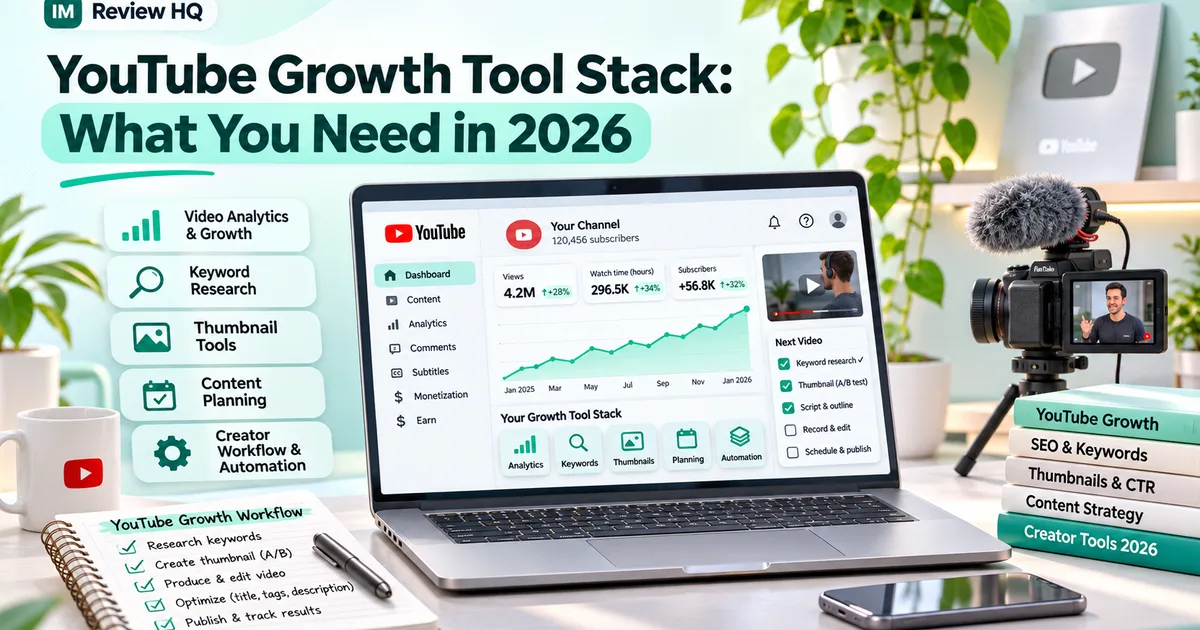
See the YouTube Growth Tool Stack for a stage-by-stage way to decide what belongs in the workflow.

Creator Software Buying Checklist

Before paying for another creator tool, test the workflow rather than the feature count.

Export and ownership

Confirm the formats, resolutions and download rights you need. Check whether watermarks, usage limits or platform-specific restrictions apply to the plan you are considering.

Editing control

AI generation is useful only when the output can be corrected. Look for editable text, timing, layout, colors, images and other controls that matter to your publishing style.

Time saved

Measure the full task: prompt, generation, revisions, export and publishing. A tool that generates quickly but requires heavy cleanup may save less time than the demo suggests.

Where Creator Tools Fit in the Production Process

Before comparing brands, map the stages in your own production process. That prevents you from paying for a full creator suite when only one part of the workflow needs help.

Pre-production

Topic research, outlines, scripts and shot lists belong here. AI can accelerate the first draft, but the final structure should reflect what the viewer needs and what you can actually demonstrate or explain.

Production and editing

Recording, screen capture, audio, captions and editing tools need to match the format. A tutorial, product demo, faceless short and talking-head video have different requirements, so broad “best video editor” rankings can be misleading.

Packaging and distribution

Thumbnails, titles, descriptions, clips and repurposed social assets influence whether finished content gets seen. This is where focused thumbnail or scheduling tools can be more useful than another editing application.

When comparing creator tools, test one complete project from idea to export. Record how long the task takes, which steps still require manual cleanup and whether the exported asset fits the platform without additional resizing or conversion. That gives you a better measure of value than generation speed alone.

Practical rule: buy for the stage that is slow today. If scripting is the bottleneck, another thumbnail tool will not solve it. If packaging is the problem, a focused thumbnail or repurposing tool may deliver more value than replacing the editor you already know. Re-evaluate the stack when your format, publishing frequency or team changes.

Video & Creator Tool Reviews

Research-based reviews and practical guides for video publishing, thumbnails and creator workflows.